Ever have days where you work hard but feel like you haven't touched the truly important tasks? Checking messages, summarizing meeting minutes, coordinating schedules, redrafting documents—these alone can consume your entire morning. This is precisely why people are once again seeking all-in-one workspaces.
The shift in 2026 isn't just about "tool integration." Zoom identifies 'agentic AI' as a core trend in this year's work environment, noting a move towards AI handling repetitive tasks like project status updates, schedule coordination, meeting summaries, and follow-ups. The crucial question is no longer 'How many features does it have?' but 'How much of my time does it give back?'
'Doing It For You' Outweighs 'Bringing It All Together'
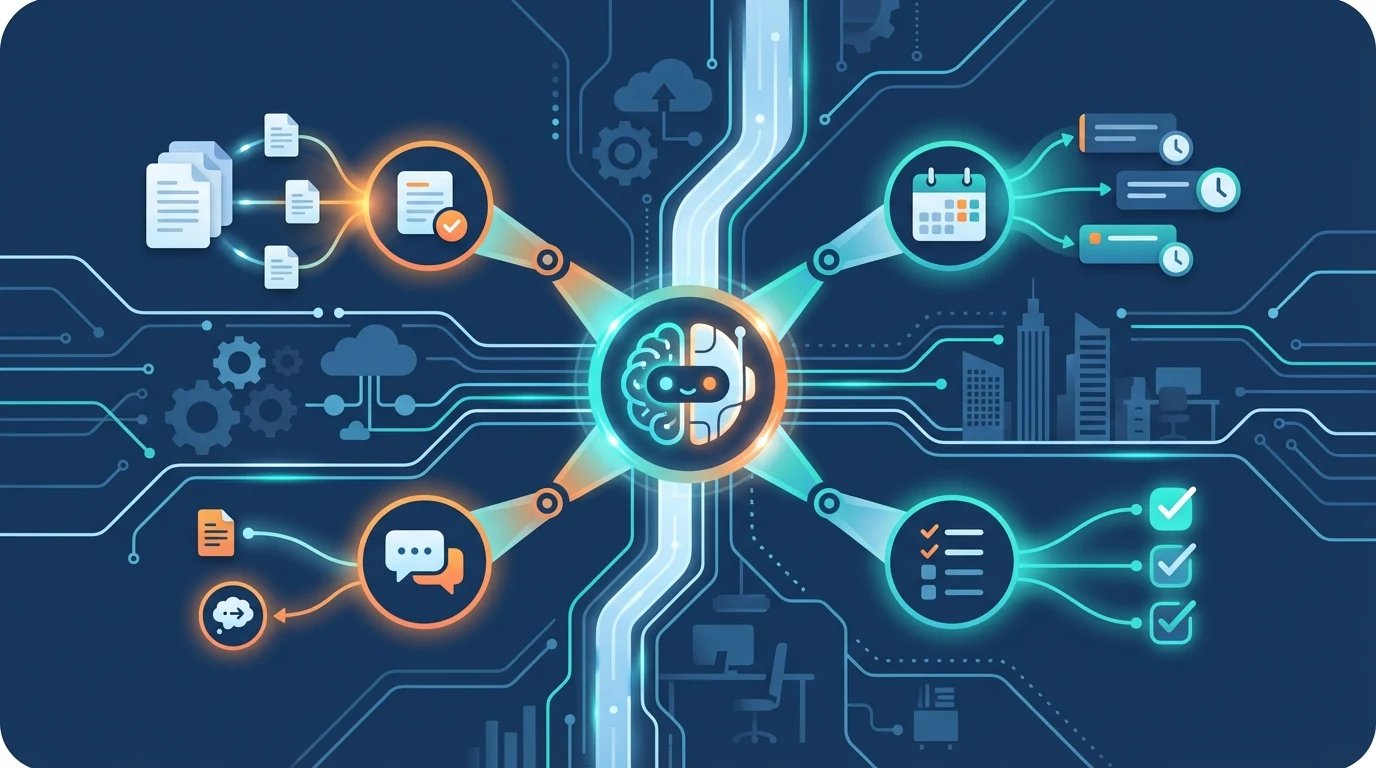
Previous all-in-one workspaces aimed to consolidate documents, calendars, chats, and tasks into a single screen. Today, we've moved a step further. The real competitive edge now lies in whether AI can intermediate and handle tasks that people traditionally did manually—like post-meeting summaries, task assignments, and suggesting next actions.
This difference is more significant than it might seem. When meeting summaries are available immediately after a call, and missed tasks are automatically identified, the entire team's workflow transforms. This is why the 2026 comparison point is less about 'feature count' and more about 'how little it disrupts the workflow.'
Notion: The Tool for Building Team Knowledge
Notion remains the first name many teams think of. The core of 2026 Notion isn't just about elegant documents or databases. According to aijeong.com, Notion is expanding to learn from internal documents, answer employee questions instantly, and automatically design complex project schedules.
The strengths of Notion AI, as highlighted by Carrot Blog, align with this. For teams heavily involved in 'document-centric tasks'—from drafting and brainstorming to summarizing, translating, organizing meeting minutes, and writing reports—Notion offers the most tangible benefits.
Caution: There are concerns that if too much information accumulates, search accuracy can decrease, or page loading times might slow down. Notion is better suited for teams that establish a clear structure from the outset, rather than simply 'dumping everything in.'
ClickUp: The Platform That Keeps Work Moving
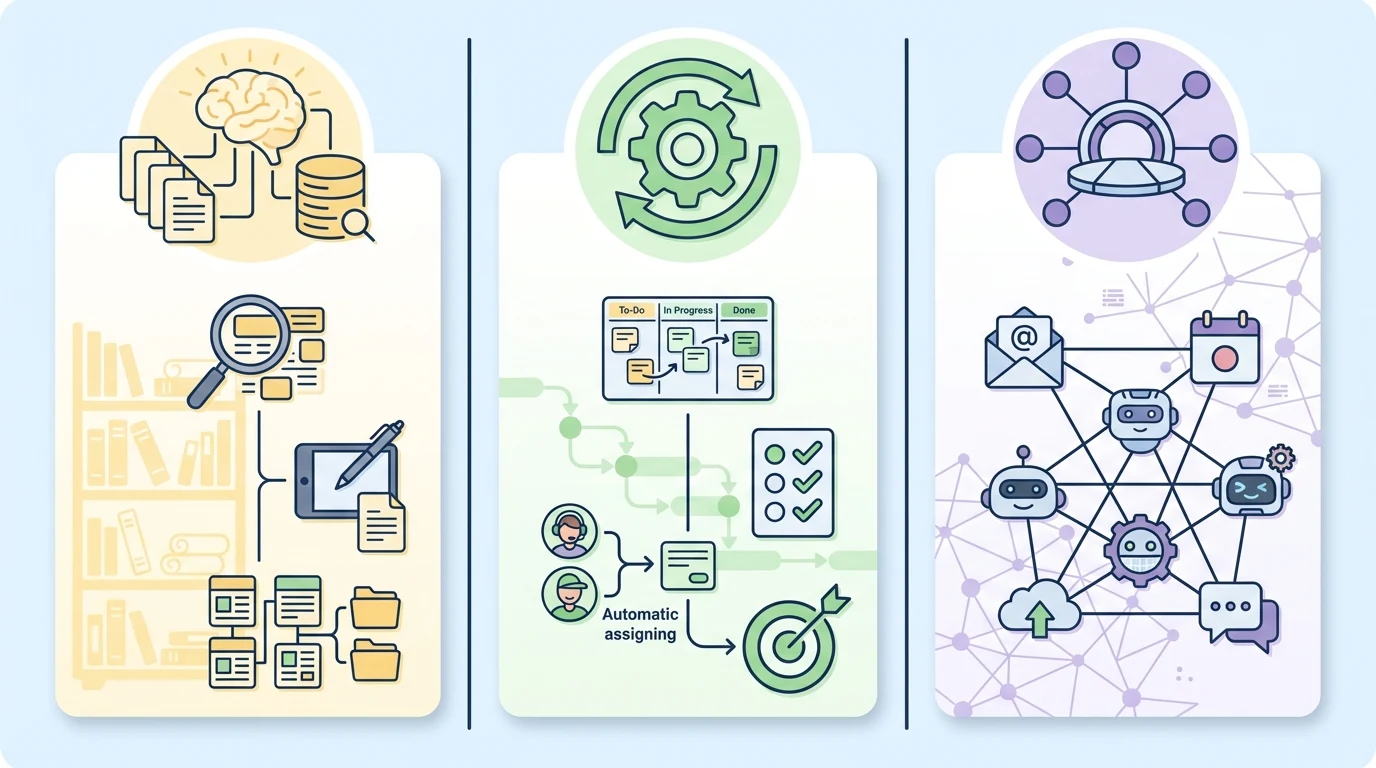
ClickUp is lauded for bringing chat, documents, objective and key results (OKR) management, and whiteboards into one place, making it a good fit for startups prioritizing cost-efficiency. Its real strength isn't just the sheer number of features, but its ability to reduce friction caused by switching between multiple apps.
On the AI front, ClickUp is even more aggressive in 2026. According to aijeong.com, ClickUp's agentic AI now includes a feature that identifies unassigned tasks and automatically categorizes them for the most suitable team member. If this feature works reliably, it could be incredibly useful for bridging the common 'Who's taking this on?' gap in daily operations.
Given its extensive features, some find the interface can feel complex. This tool shines brightest for teams with frequently intertwined projects and role distributions, rather than those primarily focused on managing a few documents.
If You're Already Using Multiple Tools: Connectivity Comes First
Not every team consolidates onto a single platform. Some teams use Microsoft 365, while others center their operations around Google Calendar, perhaps leaving notes only in Notion. In these cases, 'all-in-one' refers less to a single app and more to a connectivity hub.
WrksAI directly targets this position. It connects external tools like Outlook, Teams, Google Calendar, and Notion, and promotes a 'personal agent' feature where users can directly specify AI models and roles. This approach favors flexible utilization of multiple AIs over deep reliance on one.
Note: The AI model names WrksAI claims to support are based on public information (wrks.ai), and specific details are best confirmed directly on their service page.
Igloo Corporation suggests that in 2026, an integrated approach utilizing multiple AI models together could be crucial for both accuracy and cost-efficiency. This also implies that relying too heavily on a single model might pose long-term risks.
Choosing the Right Tool for Your Team's Needs
| Scenario | Best Fit |
|---|---|
| High volume of meeting minutes, document drafting, and knowledge management | Notion |
| Task assignment, goal management, and collaborative execution are key | ClickUp |
| Uses multiple tools and AI model choice is important | WrksAI |
| Messenger-centric collaboration and external app integration are core | Slack |
| Sales/marketing teams want to quickly build no-code processes | Monday.com |
Slack boasts over 2,600 app integrations and AI summarization features, but comes with subscription costs. Monday.com excels with no-code dashboards and real-time business metric visualization, though its setup process can be complex.
Caution: While AI-generated summaries and schedule suggestions are fast and convenient, they can contain factual errors in longer tasks. Public-facing documents or crucial decisions must always be double-checked by a human.
What to Consider Before Choosing a Tool
Instead of a dazzling feature list, first identify your team's bottlenecks. A team struggling with document organization needs a different tool than one struggling with execution management. Misdiagnose the bottleneck, and no matter how good the tool, you'll end up wondering, 'It's great, so why am I busier?'
Given the rapid pace of AI technological change, a realistic approach involves reviewing performance every few months and making adjustments, rather than committing to annual lock-ins. If document and knowledge flow are key, consider Notion. If execution and operational management are core, look at ClickUp. If you need to weave together multiple systems and AI models, a connectivity-focused tool like WrksAI might be more rational.
A good tool isn't one with an impressive feature list. A good tool is one that first and foremost reduces the repetitive tasks that are currently draining your time.